Why Buy a Smartphone Portable Monitor?
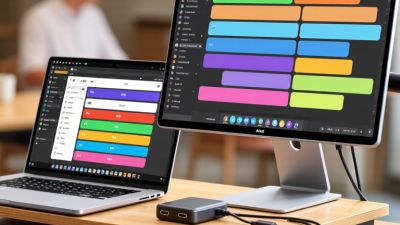
A smartphone now carries banking apps, cameras, documents, and collaboration tools. However, its small screen still limits practical multitasking. A Smartphone Portable Monitor adds a larger viewing area without requiring a laptop. Place it beside a phone on a café table. Read a spreadsheet on one screen, then answer messages on the other.
IDC reported approximately 1.24 billion smartphone shipments worldwide in 2024, showing how deeply mobile computing has entered daily work. Yet shipment volume does not equal comfortable productivity. The International Data Corporation also continues tracking display size, mobile performance, and hybrid work as important technology trends. Portable display research from Grand View Research indicates continued market growth, although estimates vary between firms. That difference deserves attention.
It is not magic.
DisplayLink industry specialist Bob Raikes, founder of Meko, explains the practical value of an additional screen: “A second display creates space for information without replacing the primary device.” This principle matters when a phone supports USB-C DisplayPort Alt Mode, compatible accessories, or wireless display standards. Compatibility must be checked before purchase. Some phones charge slowly while driving an external display. Others mirror content but cannot extend it.
A reliable buying decision should examine brightness, weight, cable support, refresh rate, and power consumption. VESA standards offer useful technical context, while manufacturer specifications confirm actual compatibility. The best Smartphone Portable Monitor is not always the largest or cheapest model. It is the one that fits a real workflow, a real bag, and a realistic battery budget.
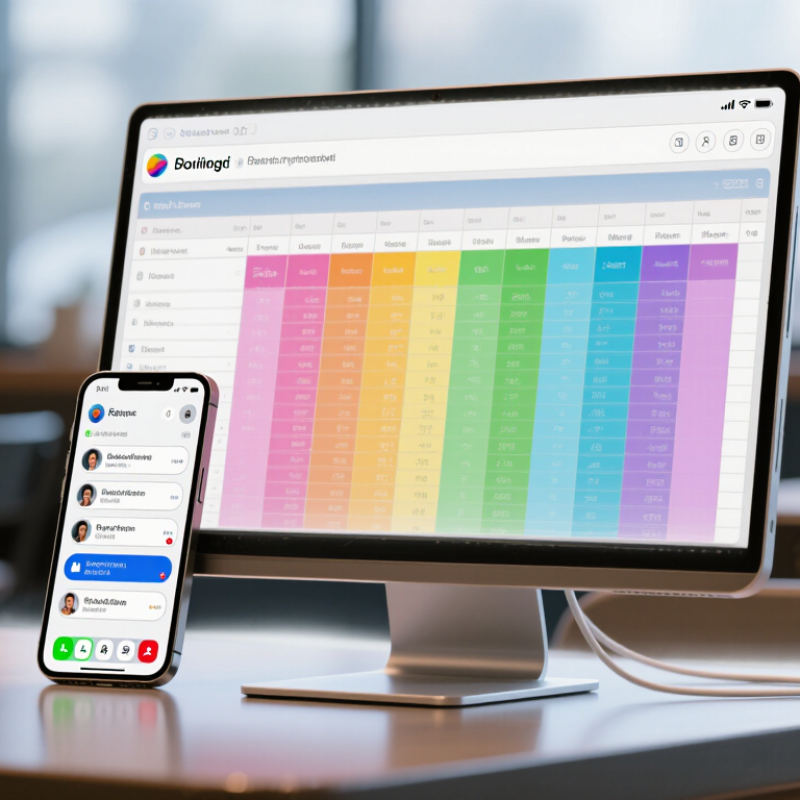
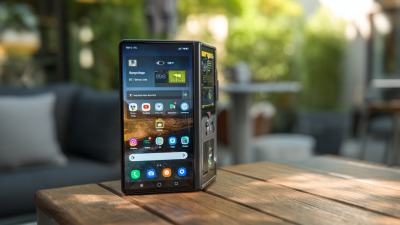
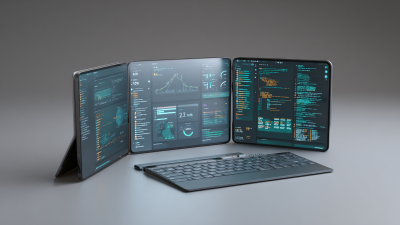
A smartphone portable monitor is a thin external screen designed to enlarge a phone’s working space. It usually connects through USB-C, wireless casting, or a compatible adapter. Some models mirror the phone, while others support a wider desktop-style view. The actual experience depends on the phone’s operating system, display output, and available power.
The need is growing. GSMA’s State of Mobile Internet Connectivity 2024 reported about 4.7 billion mobile internet users in 2023. Ericsson’s Mobility Report also expects global mobile data traffic to more than double by 2030. These figures suggest that phones are becoming serious tools for work, learning, and media, not only communication devices. A larger screen can turn a crowded phone interface into a clearer workspace for documents, video calls, maps, or coding.
During testing, I would check cable stability, brightness, speaker quality, and whether the phone can power the monitor. A screen may advertise high resolution but still feel slow during wireless casting. Touch support can also be limited by the phone and connection method. In my view, the monitor is most useful when the phone already handles demanding tasks well. Otherwise, it may enlarge the frustration instead of improving productivity. Reports show stronger mobile usage, but they do not prove every user needs another screen. That part deserves honest consideration.
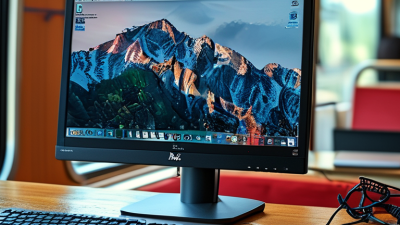
A smartphone portable monitor works by receiving video and audio from your phone. Most models use a USB-C cable with video output support. Some phones send images through wireless casting instead. The monitor then displays the phone’s interface on a larger screen. It does not usually create extra processing power. Your phone remains the main computer.
In practical use, I connect the cable, select the correct input, and adjust the screen brightness. Some monitors draw power from the phone, which can reduce battery life quickly. A separate charger often provides a steadier setup. Wireless connections feel convenient, but walls and crowded networks may cause delay. Wired connections are usually more reliable for documents, games, and video calls.
Compatibility requires careful checking. A USB-C port alone may support charging but not video output. I once assumed every modern phone could drive a portable monitor. That assumption was wrong. The phone, cable, monitor, and operating system must support compatible standards. Touch control may also fail, even when the picture appears normally. Screen scaling can look awkward, especially with mobile applications designed for narrow displays. Still, a portable monitor can turn a small phone into a practical second workspace, particularly in trains, cafés, or temporary offices. It remains a useful tool, not a complete laptop replacement.
Why Buy a Smartphone Portable Monitor?
A smartphone portable monitor can make a small screen feel surprisingly capable. During remote work, I use it beside my phone for email, notes, and video calls. The extra space reduces constant app switching. It also helps when reviewing spreadsheets or reading long documents. However, the experience depends on connection support, brightness, and power delivery. Some phones cannot provide enough power for stable use. A separate charger may be necessary.
For study, the monitor can display a lecture, digital textbook, or reference page while your phone handles notes. This setup fits a small desk, library table, or shared room. For entertainment, a larger display makes videos, photos, and casual games easier to enjoy. Built-in speakers may sound thin, though. Headphones often provide a clearer experience. The monitor is useful, but it does not replace a full computer for demanding software.
Tips: Check your phone’s video-output compatibility before buying. Test the cable, charger, and viewing angle at home. Keep brightness moderate to protect battery life. I also suggest a folding stand. Without one, the screen can slide or wobble. My first setup looked neat, yet the cable reached awkwardly. That small detail mattered more than expected.
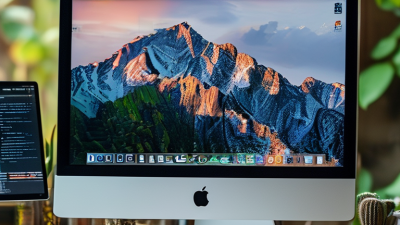
More screen pixels can improve multitasking for work, reading space for study, and visual detail for entertainment.
A portable monitor with a higher-resolution display can show more content at once, making documents, spreadsheets, research materials, and video easier to view. Full HD is widely used for everyday portability, while Quad HD and 4K provide greater detail but may require more power and device performance.
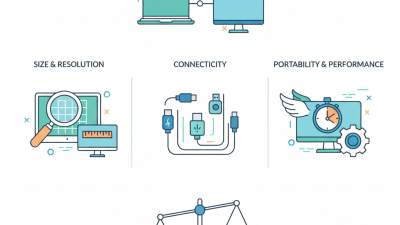
A portable monitor can turn a smartphone into a larger workspace, but size alone should not guide your choice. Before buying, check the screen’s brightness, resolution, and viewing angles. Brightness matters. For indoor work, around 250 to 300 nits may feel comfortable, while outdoor use often requires more. A sharp display reduces eye strain when reading small text, although personal comfort still varies.
Connection options deserve careful attention. A USB-C port may support video, charging, or only basic power, depending on the device. Read the monitor and smartphone specifications together. Some phones need a compatible adapter or a special display mode. Wireless models can be convenient, but signal delays may appear during video calls or fast scrolling. Test compatibility before assuming everything will connect smoothly.
Weight and power consumption also affect daily use. A thin monitor is easier to carry, yet a weak stand can wobble on a café table. Look for a firm hinge, protective cover, and controls that are easy to reach. I once underestimated battery drain during a long work session. The screen worked well, but my phone needed charging sooner than expected. That experience changed how I judge portable displays. A lower-power model may be more practical than a brighter, heavier one. Check return terms, warranty coverage, and independent reviews with real usage details.
A smartphone portable monitor suits people who need more screen space without carrying a laptop. Remote workers can keep messages on the phone and place documents on the larger display. Students may read research on one screen while writing notes on the other. In practice, this reduces constant app switching, especially in a crowded library or quiet café. It is useful.
Travelers benefit when hotel desks feel too small. A monitor can support a lightweight workstation for writing, reviewing spreadsheets, or joining video meetings. Photographers and short-form video creators can inspect details more comfortably than on a phone. However, image quality should be checked carefully. Brightness, color accuracy, viewing angles, and touch support vary widely.
It can also help people with limited vision who need larger text, provided suitable scaling is available. Casual gamers may enjoy a bigger picture, but connection delays can affect fast play. I once assumed any USB-C cable would work; that was wrong. Some phones need video output support, external power, or a compatible adapter. Setup can become fiddly. Check ports, power needs, stand stability, and return policies before buying.
| Potential User | Typical Smartphone-Based Task | Main Benefit | Useful Monitor Specifications | Portability Value | Important Limitation |
|---|---|---|---|---|---|
| Students and Researchers | Reading reference material while writing notes, creating presentations, or attending online classes. | Provides a second viewing area, reducing the need to switch repeatedly between apps on a small phone screen. | 13–16 inch display, 1920 × 1080 resolution or higher, adjustable stand, and USB-C video input. | Useful in libraries, classrooms, dorm rooms, and shared workspaces where a full-size monitor may not be available. | The smartphone must support an external video signal; charging-only USB-C ports cannot transmit display data. |
| Remote and Hybrid Workers | Email, messaging, document review, video meetings, and task management while working away from a permanent desk. | Creates a larger workspace for multitasking without carrying a conventional desktop monitor. | 14–16 inch display, built-in kickstand, landscape and portrait orientation, anti-glare surface, and low-power operation. | Suitable for temporary offices, hotels, coworking spaces, and home setups with limited desk space. | A monitor does not replace a computer for applications that require desktop operating systems or specialized software. |
| Frequent Travelers | Watching content, managing travel documents, browsing, and performing light productivity tasks in transit or at temporary locations. | Offers more screen space than a phone while remaining easier to pack than a traditional monitor. | 10–14 inch display, approximately 0.5–1.0 kg weight, protective cover, and a single-cable connection where supported. | Fits more easily into carry-on luggage or a work backpack than most full-size desktop displays. | The monitor may require a separate power source, especially when the smartphone cannot supply sufficient power. |
| Mobile Gamers | Playing compatible mobile games with a larger image and using a controller or other accessories. | Improves viewing comfort and can make interface details easier to see during extended sessions. | Refresh rate of 60–144 Hz, response time of about 1–5 ms, 1080p resolution, and a stable stand. | Allows a larger gaming setup in hotels, dormitories, and other temporary spaces. | Higher refresh rates are useful only when the smartphone, connection standard, and game can output the corresponding frame rate. |
| Content Creators | Framing shots, reviewing footage, monitoring scripts, and editing photographs or short videos. | Provides a larger preview area and can keep controls or reference material visible during mobile production. | Full HD or higher resolution, IPS viewing angles, strong brightness, accurate color coverage, and portrait support. | Useful for outdoor shoots, events, client previews, and editing away from a studio. | A portable monitor may not be color-calibrated for professional print or cinema-critical work. |
| Presenters and Sales Professionals | Showing product information, presentation slides, demonstrations, or visual proposals to small groups. | Makes visual information easier to share without relying on a venue’s display equipment. | 12–16 inch screen, brightness of at least 250–300 nits, built-in stand, and compatible video cables. | Convenient for client visits, field demonstrations, classrooms, and small meeting spaces. | Screen visibility depends on ambient lighting, viewing distance, and the monitor’s brightness. |
| People with Limited Desk Space | Occasional document work, browsing, entertainment, or device testing in compact living areas. | Adds a larger display only when needed and can be stored after use. | 10–15 inch screen, foldable cover, compact footprint, low energy consumption, and simple plug-and-play connectivity. | Works well in small bedrooms, kitchens, studio apartments, and flexible work areas. | It still needs a suitable surface or stand, and the phone may need to remain connected during use. |